
Release 2026.9 · September 2026
Membership History / Linked Integrations
Memberships are the groups and teams an athlete is linked to. This release turns that into a dated history you can edit, review and correct, so a position or squad change is recorded against the day it happened rather than the day someone got round to entering it.
Key points
Editable Membership history: Every membership is now a dated spell, and those dates can be corrected after the fact.
Membership bulk change: Apply the same membership change across a selection of athletes in one action.
Membership timeline: Every group and team an athlete has belonged to, drawn on a shared date axis.
Linked Integrations: Connected providers now show their own icon in place of a tick.
Athlete headshots in HTML reports: The headshots you already upload to Axon HQ can now be shown in HTML reports.
Editable Membership history
Every membership is now a dated spell, and those dates can be corrected after the fact.
What it does
Each group or team an athlete belongs to is held as a spell with a From and an Until date. The History view on an athlete's Memberships tab lists every past and current spell, including groups they have since left. You can correct a start or end date, add a spell that was never entered, or delete one entered in error, and a 'Groups as at' date shows the groups an athlete sat in on any given day. History changes save immediately and are not covered by Cancel.
Why it matters
A player is tagged as Full Back for Saturday's game, then shifts into Midfield before kick-off because someone picks up an injury. It does not get sorted until the day after the game. You can now change his positional group in the past, either on that single date or across a period, so the record matches the game he actually played and anything reading positional group data agrees with it.
Where to find it
Athlete Management > Athletes > edit an athlete > Memberships > History
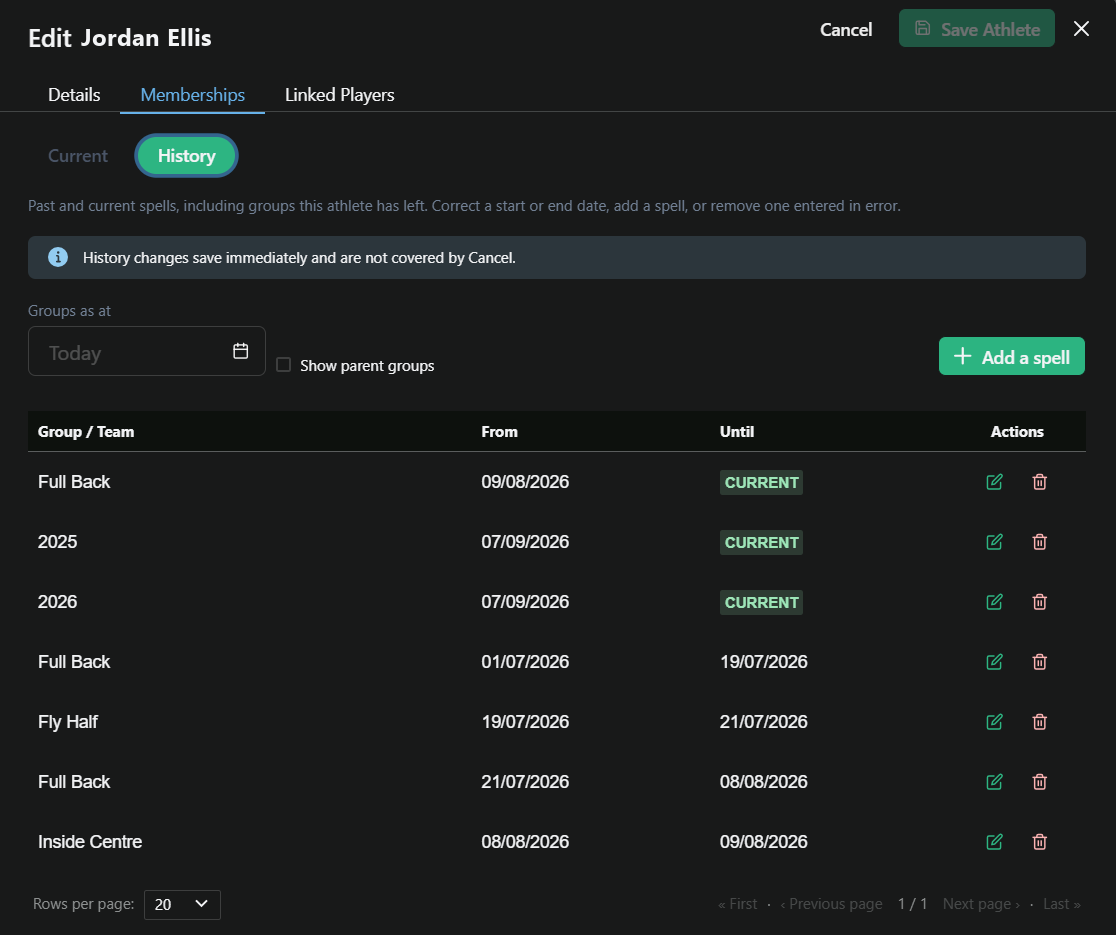
The History view: past and current spells, with dates you can correct
Membership bulk change
Apply the same membership change across a selection of athletes in one action.
What it does
Membership bulk change takes a group of athletes and applies the same change to all of them, rather than opening each athlete record in turn.
Why it matters
A pre-season regroup stops being a row-by-row job. When a coaching change moves several players between positional groups at once, the whole reshuffle goes in as one pass.
Where to find it
Athlete Management > Membership bulk change
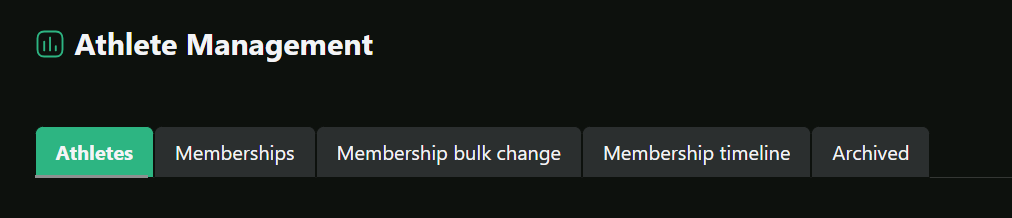
The Membership tabs under Athlete Management
Membership timeline
Every group and team an athlete has belonged to, drawn on a shared date axis.
What it does
The timeline shows teams first, then groups nested under their parent, so Full Back sitting inside Back Three inside Back reads as the hierarchy it is. Current and past spells are shaded differently, and hovering a bar gives its exact dates.
Why it matters
Answers 'when did he move into that group' at a glance. It also makes it obvious when a short spell covering another position is the reason a season-long comparison looks off.
Where to find it
Athlete Management > Membership timeline
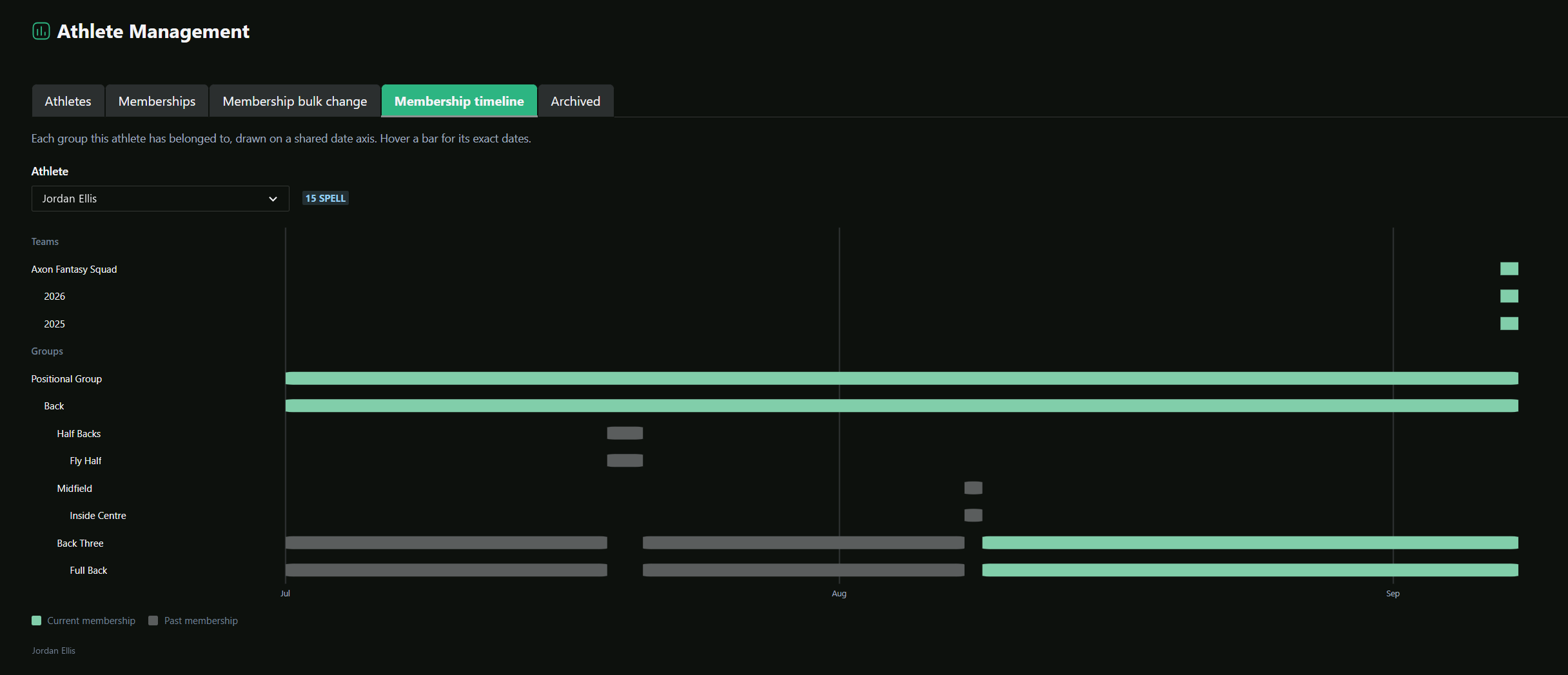
Membership timeline, with the group hierarchy on a shared date axis
Linked Integrations
Connected providers now show their own icon in place of a tick.
What it does
The Linked Integrations column on the athlete list used to confirm a connection with a tick, which told you a feed was linked but not which one. Each linked integration now shows the provider's own icon.
Why it matters
On a squad list where athletes are connected to different combinations of providers, you can see who is on what without opening a single record.
Where to find it
Athlete Management > Athletes
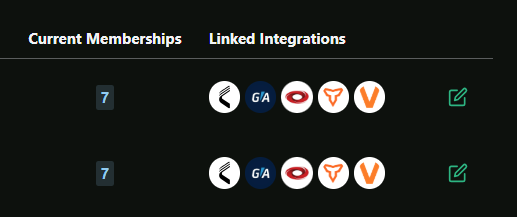
Linked Integrations showing each provider icon in place of a tick
Athlete headshots in HTML reports
The headshots you already upload to Axon HQ can now be shown in HTML reports.
What it does
Nothing changes in HQ itself. Headshots are uploaded against the athlete record exactly as they are now. The change is on the reporting side: HTML reports can pull those headshots through, so a report shows the player next to their data rather than a name and a squad number.
Why it matters
Coaches know faces faster than they know rows in a table. On a squad report it saves the second of cross-referencing that everyone does and nobody mentions.
Where it appears
In your HTML reports. Headshots are uploaded against the athlete in HQ as they are now.
Questions about anything in this release? Email andy.watts@axonperform.com.
Andy Watts, Product Lead, Axon Perform